What's Inside
A closer look at the performance, control, and freedom that define VLC.
Video Formats
MPEG-1/2, MPEG-4, H.264, H.265, DivX, XviD, VP8, VP9, Theora, and more
Audio Formats
MP3, AAC, FLAC, ALAC, Ogg Vorbis, WMA, AC3, DTS, and many others
VLC uses your system’s GPU to decode video smoothly and efficiently.
When hardware acceleration is not available, it switches to optimized software decoding to keep playback stable even on older computers.
The result is faster decoding, lower CPU use, and quieter fans.
Supported Hardware Acceleration Includes:
Sync video and subtitles
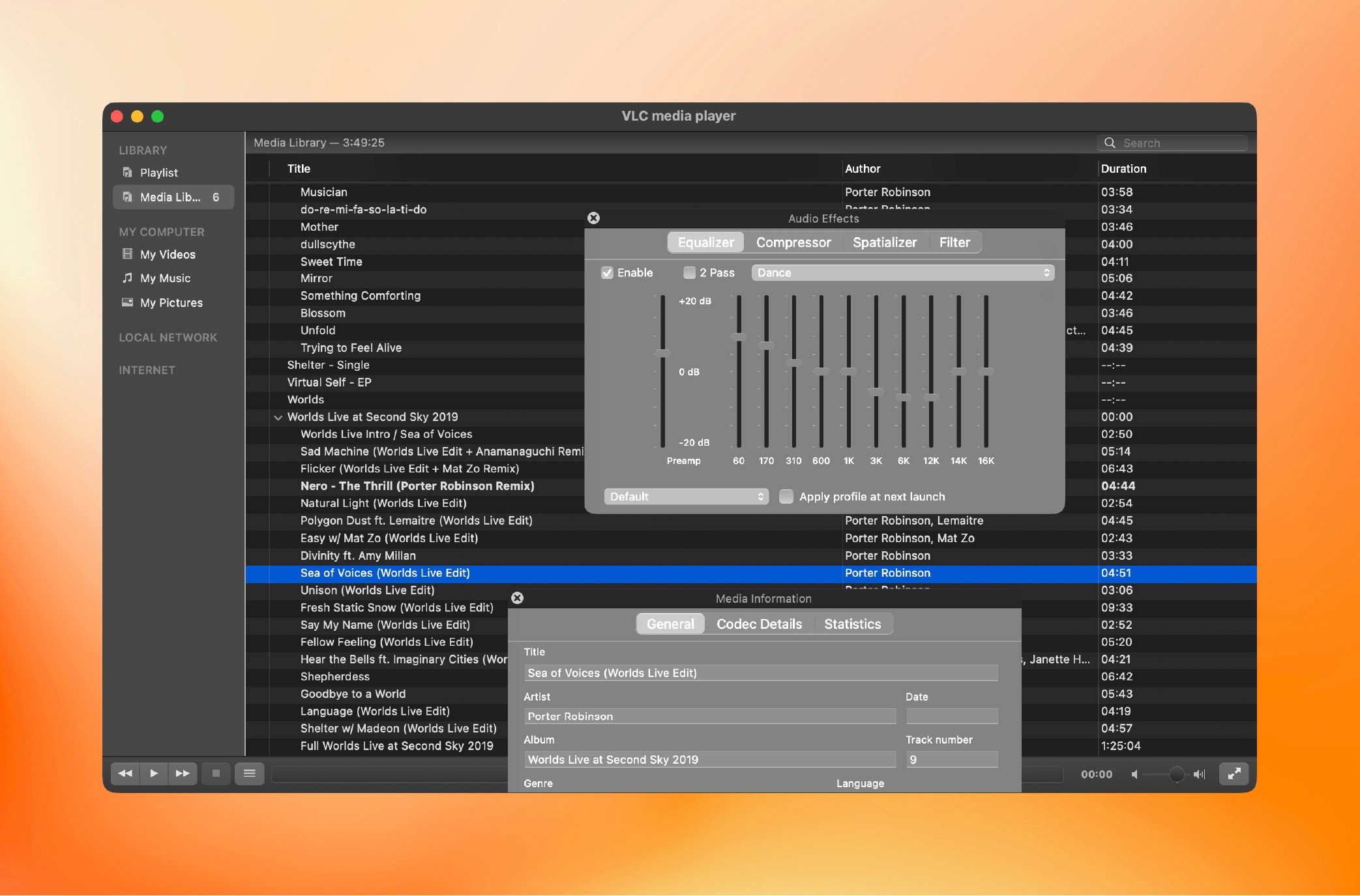
Apply real-time filters and effects
Adjust color, contrast, hue, and gamma
Change playback speed without changing pitch
Loop, trim, or convert clips
Record or stream live input
Advanced users can access detailed preferences and command-line options for fine-tuned customization.
VLC offers more than just playback for stored media. It can stream or capture nearly any source.
You can convert files, broadcast across your network, or stream to another device in real time
Input
Network streams (HTTP, RTP, RTSP, MMS), webcams, capture cards, or screen input
Output
Local files, broadcast streams, or re-encoded media for the web
Download or design custom skins
Add plugins to expand features or automation
Control VLC through HTTP, the command line, or network APIs
Integrate with other software through modular components
Every part of the player is open and adjustable, from the interface to its internal behavior.